(925) 248-5030 | Maintenance: (925) 574-8741
  • Residents Login
  • Owners Login
Windsor Pacific Property Management
  • I’m an Owner
    • San Ramon Property Management
    • Danville Property Management
    • Dublin Property Management
    • FAQs
  • I’m a Renter
  • Pricing
  • About Us
  • Contact Us
  • Owner Resources
  • Access
    • Owner Login
    • Tenant Login
Select Page
Lease Up vs. Full Property Management in San Ramon

Lease Up vs. Full Property Management in San Ramon

by Windsor Pacific | Feb 11, 2015 | Property Management Education

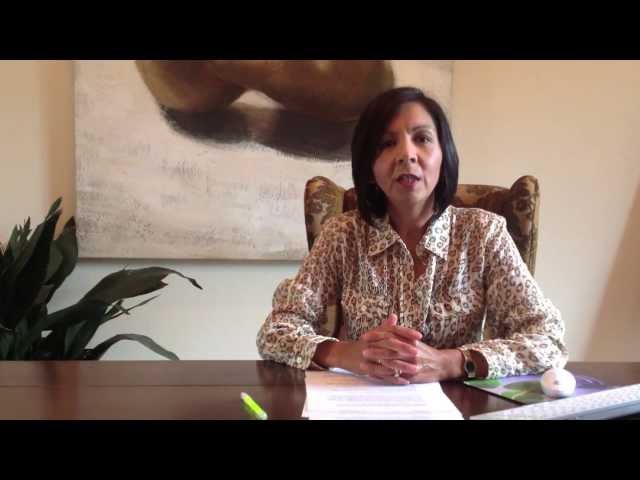
If you are looking for property management services that only cover getting a lease in place, we can help you at Windsor Pacific Property Management. In addition to leasing out your property, we offer full property management services. The type of help you choose...
Next Entries »

Categories

  • Property Management Education
  • Uncategorized
  • I’m an Owner
  • I’m a Renter
  • Pricing
  • About Us
  • Contact Us
  • Owner Resources
  • Owner Login
  • Tenant Login
Windsor Pacific Property Management is dedicated to the principle of equal access for people with disabilities in compliance with the Americans with Disabilities Act (ADA) and HUD guidelines. Please contact us at info@wppm.com or (925) 248-5030 should you have any questions, comments or concerns regarding any accessibility issues.

Copyright © 2020 Rescom, Inc. DBA Windsor Pacific Property Management. All Rights Reserved. | Fourandhalf Property Management Websites & Marketing


John MouldingJohn Moulding
Leasing Broker

Cal DRE #00468701
Phone: (925) 935-5333

×

Jackie - Windsor Pacific Property ManagementJackelyne Ferreira
Property Manager

Cal DRE #01210666
Phone: (925) 248-5030

×


Antonio - Windsor Pacific Property ManagementAntonio Ferreira
Property Manager & Leasing Broker

Cal DRE #01028613
Phone: (510) 693-4792

×


How to Set Up Your Online Tenant Portal Account:

1. Contact us and let us know you’re interested in paying your rent online by filling out the form below.
2. Give us your current email address so we can send you an invitation email.
3. When you get the invitation email (it will come from donotreply@appfolio.com), click on the link in the email to set up your account.
4. Create a secure password and activate your account.

That’s it! Now you can log in anytime, from anywhere and make payments, schedule payments, view your payment history, and more!

  • This field is for validation purposes and should be left unchanged.

×


Request A Free eBook!

  • This field is for validation purposes and should be left unchanged.

×


Get A Free Rental Analysis

  • This field is for validation purposes and should be left unchanged.

×


Call or text us at (925) 406-3460 during business hours.

We guarantee that a team member will be on the other end to answer any questions you may have.
×


Sample Management Agreement

  • This field is for validation purposes and should be left unchanged.

×